Remote Access Tools
Secure, reliable remote desktop solutions to connect from anywhere
HelpWire RemoteTool
HelpWire
How to Get Remote Support:
Contact Support: Call/text 718-975-7590 with your ticket number.
Click Link: Open the link sent via SMS/email.
Grant Permissions: Allow screen/audio access.
Get Help: Technician assists remotely.
End Session: Technician ends when done.
Download for:
Acronis Quick Connect
Acronis Quick Connect
- Download Acronis Quick Assist application and launch it.
- Launch the app. This application is a portable executable so installation is not required (you can just launch it once it is downloaded).
- Once ready, provide your Acronis Support representative "Computer ID" and "Access Code":
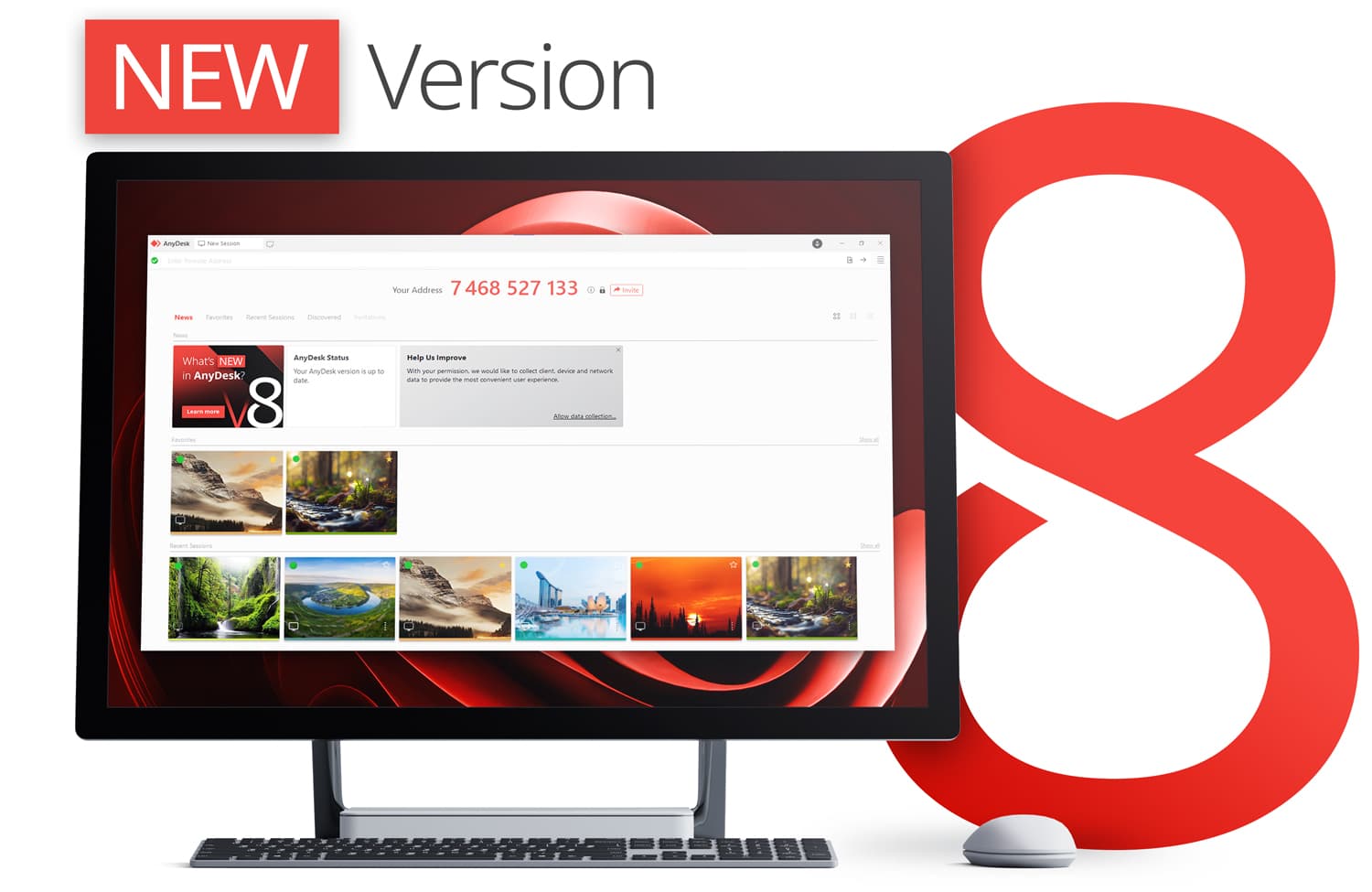

Anydesk Remote Tool
Anydesk
How to Access a Remote Client
1. Click "Download Anydesk" below to download and install the application
2. Run the Application after installation and provide Drensys Tech support with " Your Address".
3. Click Accept to Allow Drensys technican to connect to your remote device.